- Published on
Devlog #59 - Steam Link
You can now swap characters between https://fantasyonline2.com/ and https://store.steampowered.com/app/2957110/Fantasy_Online_2/ and here is how you do it:
Go to https://fantasyonline2.com/ and log in.
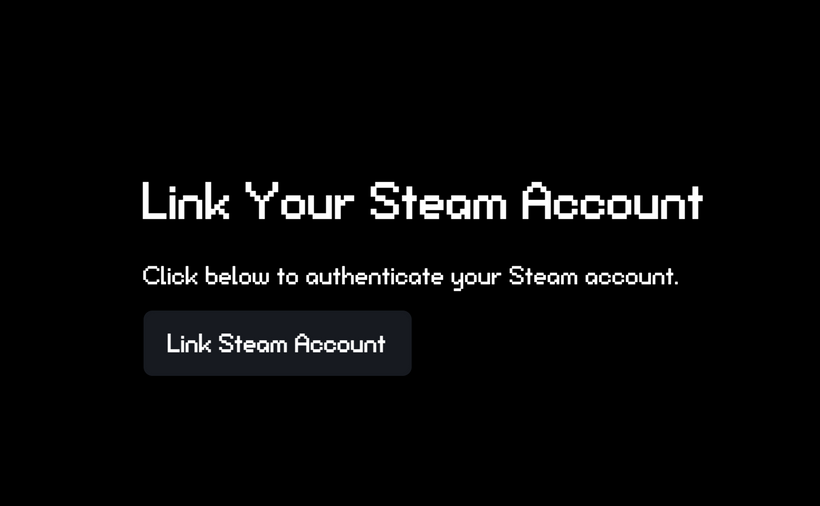
Go to https://fantasyonline2.com/steam-link and click on the "Link Steam Account" button.
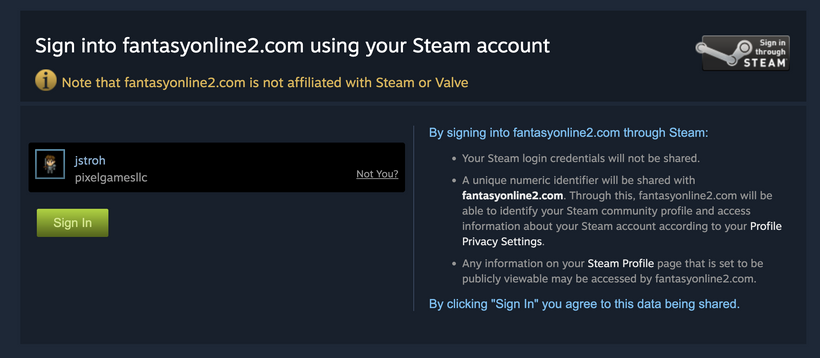
Click the Sign In button on Steam.
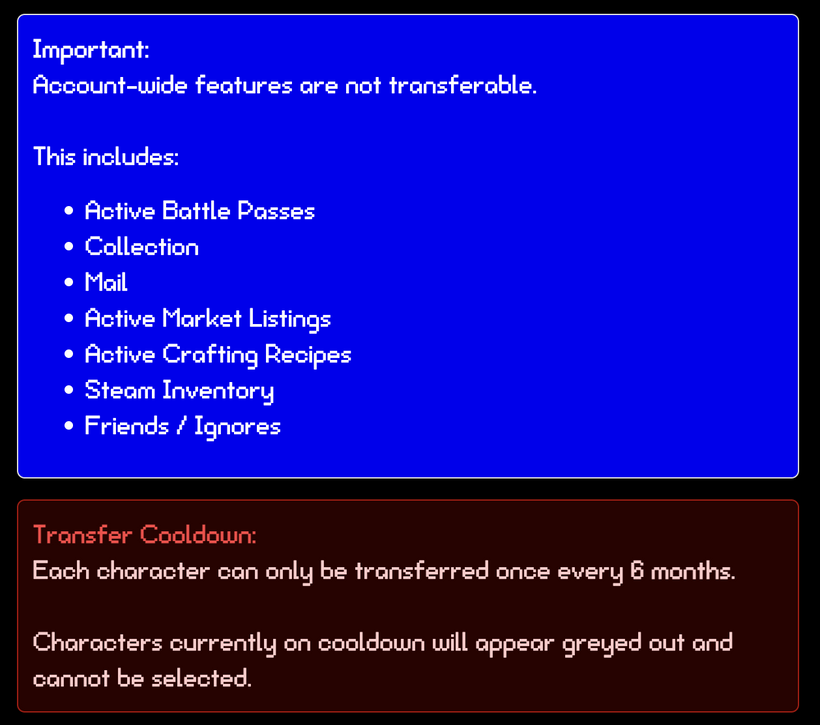
Read important information about character swapping.
Select the two characters you want to swap.
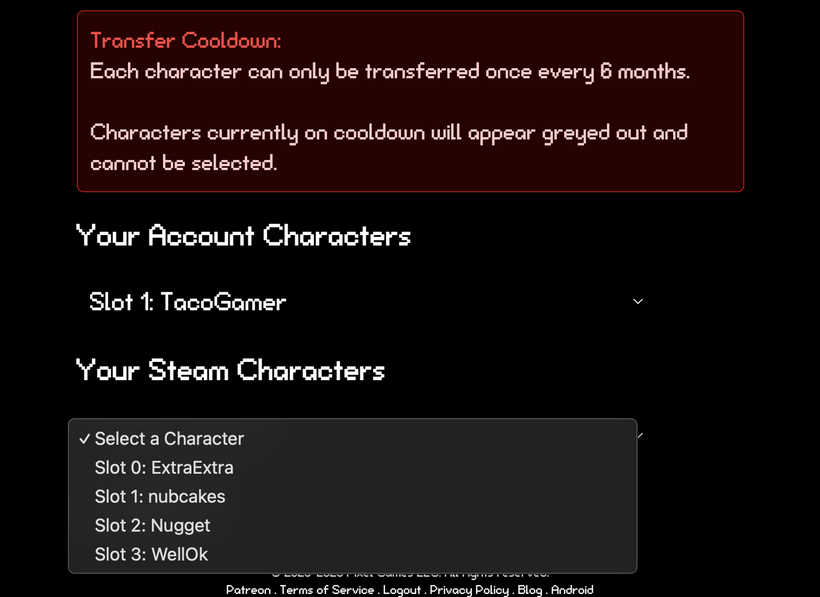
Click the Swap Characters button and cross your fingers.
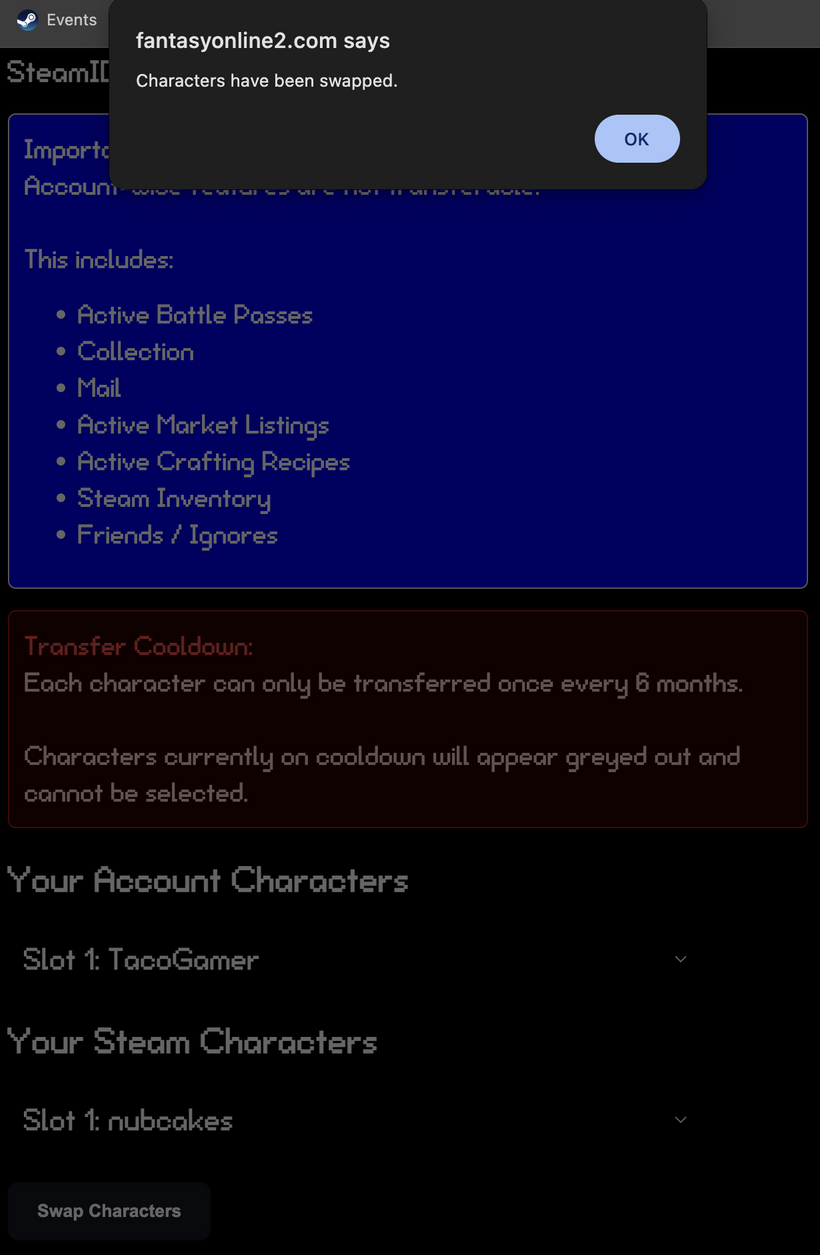
And that's it! You can now open up the game and see that the characters have been swapped!
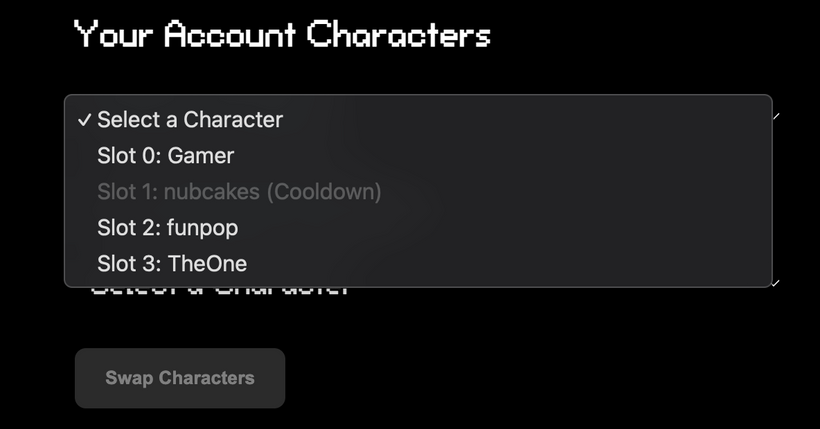
As you can see, the characters I swapped have now been put on a 6 month cooldown for swapping!
Post any questions and bugs you may have in the comments!