- Published on
Patch Notes #124 - The Broker v1
The Broker is essentially the Market but in reverse!
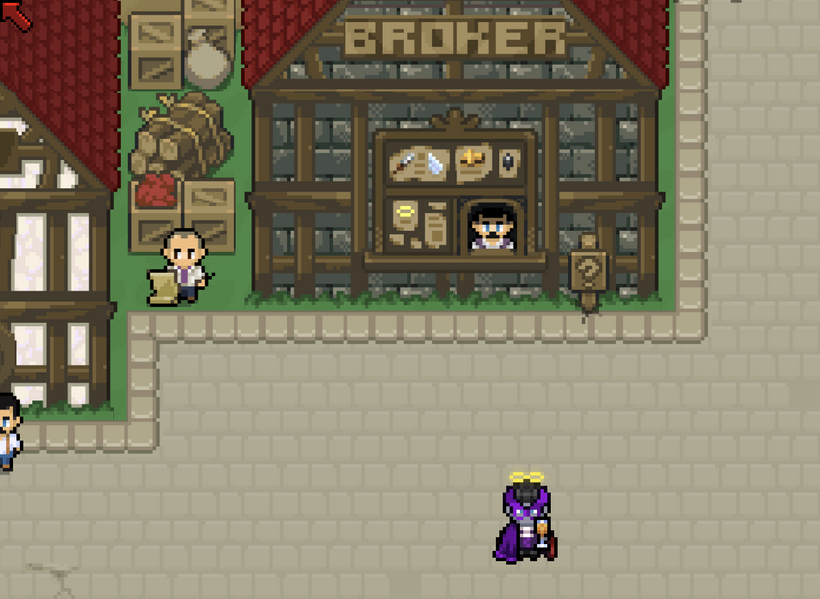
To use the Broker, head on over to New Crab City and click on the Broker npc.
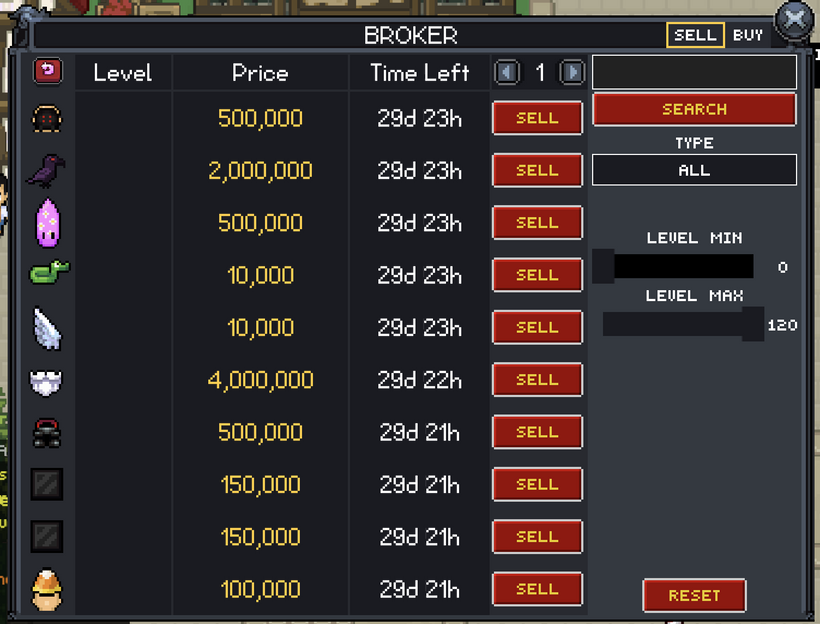
The sell tab lets you search through buy orders and fulfill them if you have the item. If you sell an item it will be removed from your inventory and you will receive the price via in-game mail.
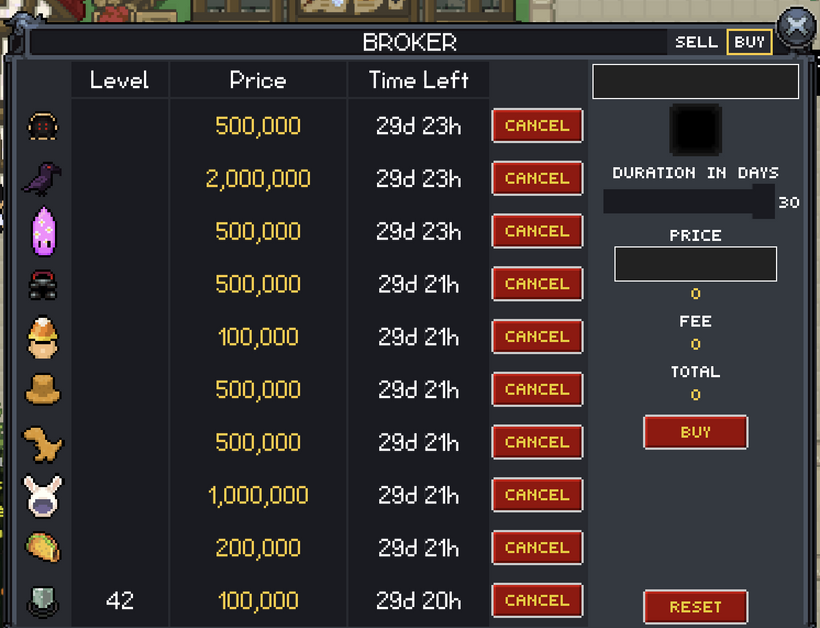
The buy tab let's you search through all collectible items and offer a price for that item.
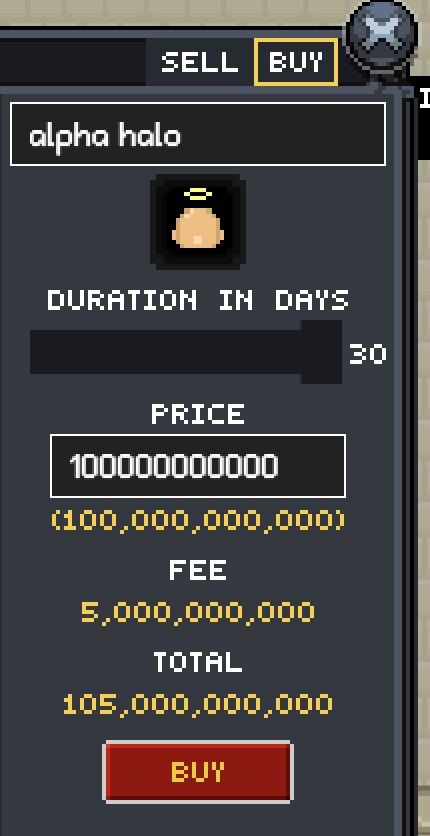
The price + fee is the total cost to create a buy order. In the future, I will be adding better filtering controls for searching the collectible item database.
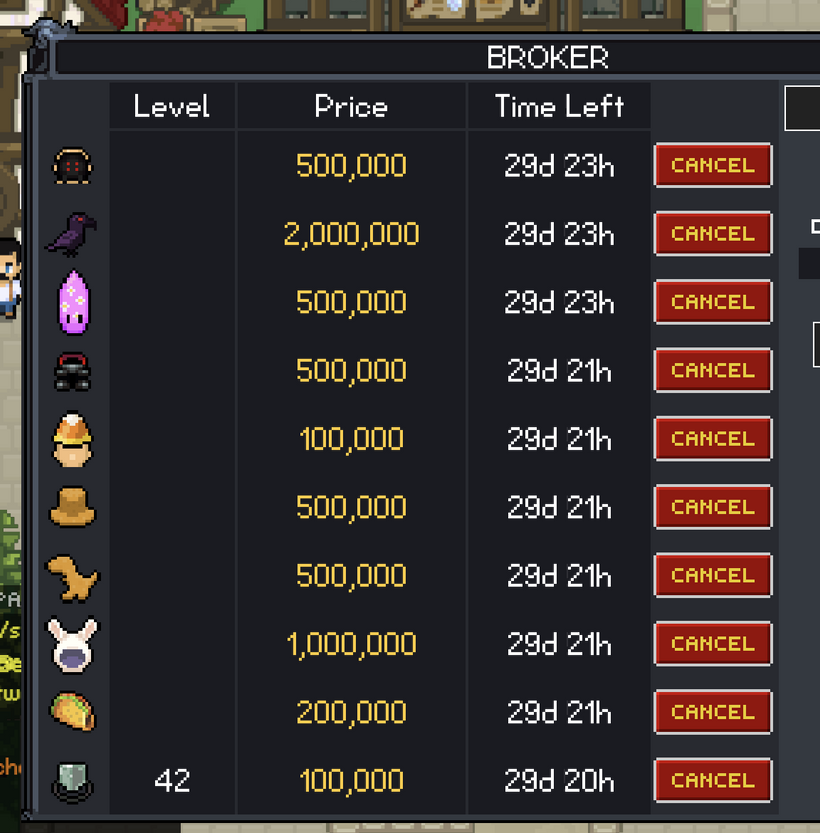
Once a buy order is created, it is shown in the buy tab on the left. If you cancel a buy order, the price + fee will be returned to you. If someone fulfills your buy order, the Broker will keep the fee and send you the item via in-game mail.
What is this good for? Let's run through an example.
Example: I want to have every outfit item in the game.
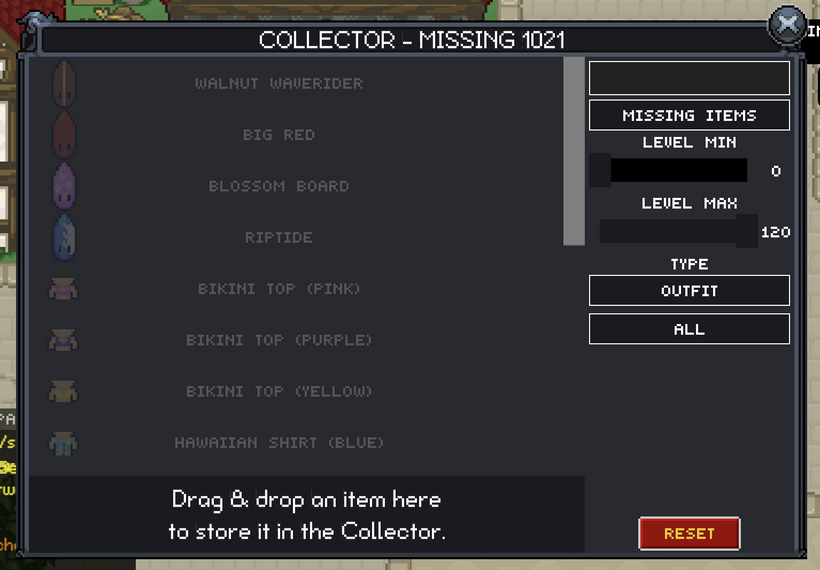
I first open the Collector and sort by missing items and type outfit. I decide hey I'd like the item Big Red.
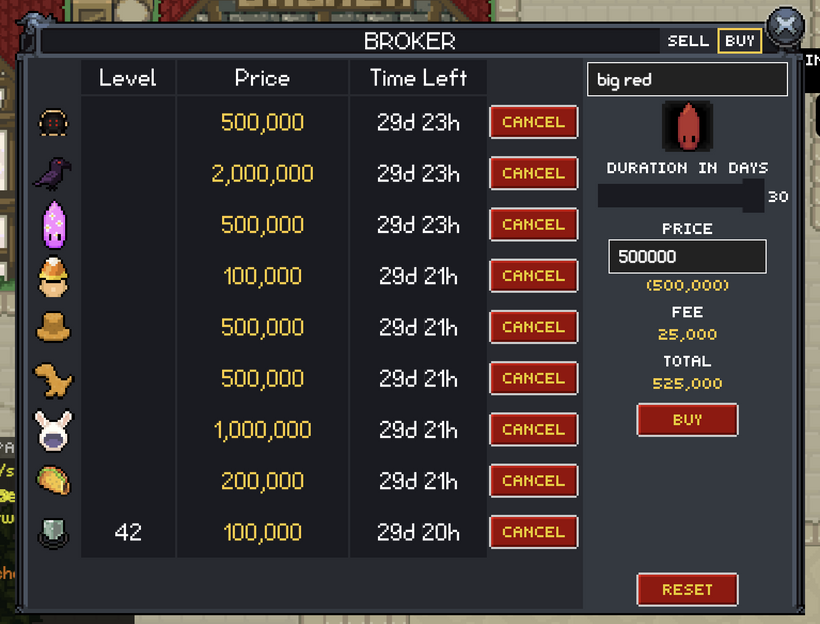
I then close the Collector and open the Broker. I type in big red and poof there it is. I check the tooltip for the Market median and last sold price and decide I want to pay 500,000 coins.
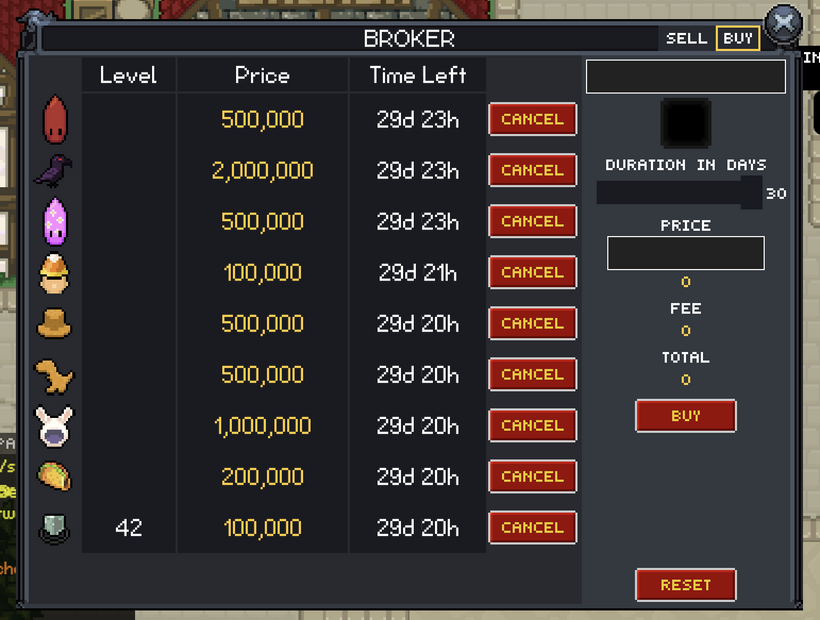
And poof there it is. A buy order ready to be filled. I can now just let it sit and hope someone fills it or I can go on http://discord.gg/fantasyonline2 and say hey fill my order please!
And that's the Broker! On to Guild Warfare!
Have Fun & Keep Gaming!